The market clock, always one click away
Candle-close countdowns, funding payment timers and market sessions — live in Chrome's side panel, next to whatever you're doing. The tab every trader keeps open, without the tab.
Chrome Web Store listing pending review — until then, install in 30 seconds with the steps below.
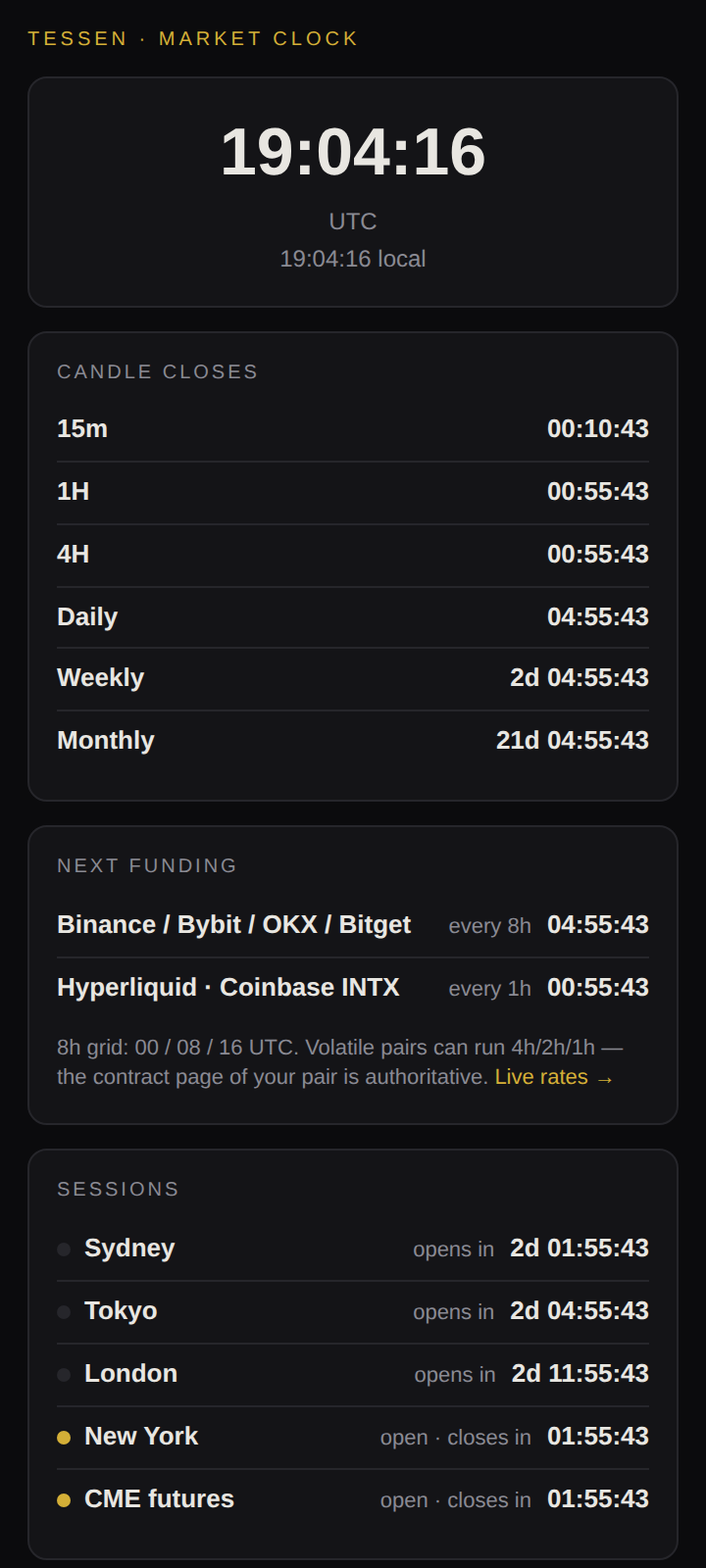
Live countdowns to the next 15m, 1H, 4H, daily, weekly and monthly candle close — UTC-aligned exactly like Binance, Bybit, OKX and TradingView. If your strategy acts on closed candles, this is the clock it runs on.
The next funding timestamp on the standard 8h grid (00/08/16 UTC — Binance, Bybit, OKX, Bitget) and the hourly venues (Hyperliquid, Coinbase INTX). Hold through the timestamp and you pay for the full interval.
Sydney, Tokyo, London, New York and CME crypto futures — open or closed, and how long until that changes. Computed from each desk's local clock, so daylight-saving shifts are always already applied.
The toolbar icon itself shows a live countdown to the next 4H candle close. Pin it and you have a market clock in your browser chrome without opening anything.
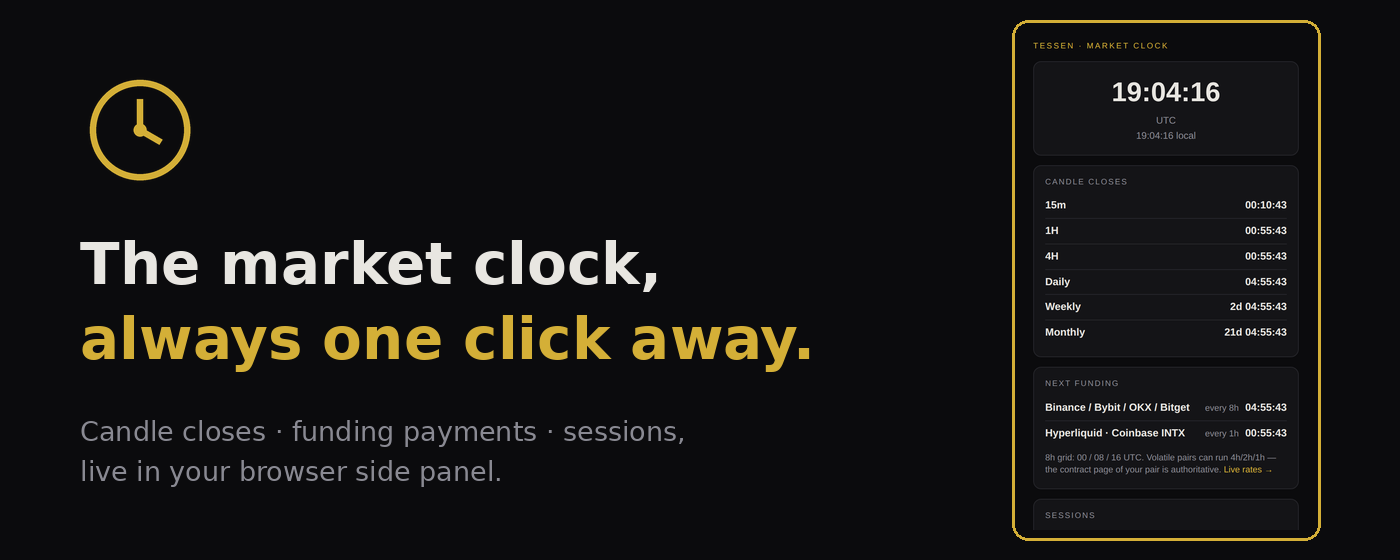
Prefer it on every tab you open?
The New Tab edition replaces Chrome's new-tab page with the full market clock — big UTC time, candle closes, funding and sessions, every time you open a tab. Same local-only math, and this one requests zero permissions. Install both; they don't conflict.
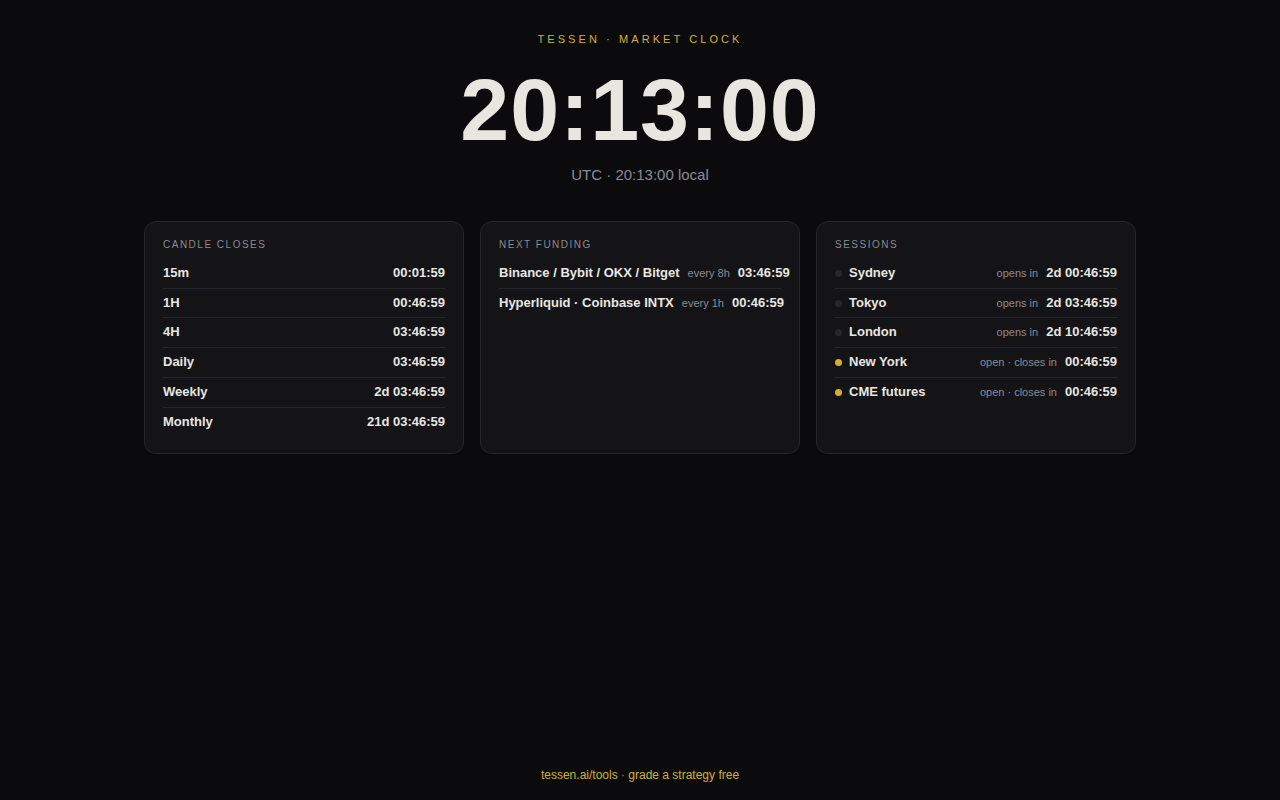
Funding across 10 venues, one click away
A second side-panel extension: live perp funding APRs on Binance, Bybit, OKX, Bitget, Gate, HTX, KuCoin, Kraken, Deribit and Hyperliquid — annualized so different funding intervals are actually comparable. For every asset it shows where longs are cheapest, where shorts get paid most, and the spread between them; the toolbar badge always shows the widest spread on the board. Data is one read-only request to our own funding screener feed every 5 minutes — no account, no wallet, no tracking.
Download Funding Ticker v1.0 (.zip)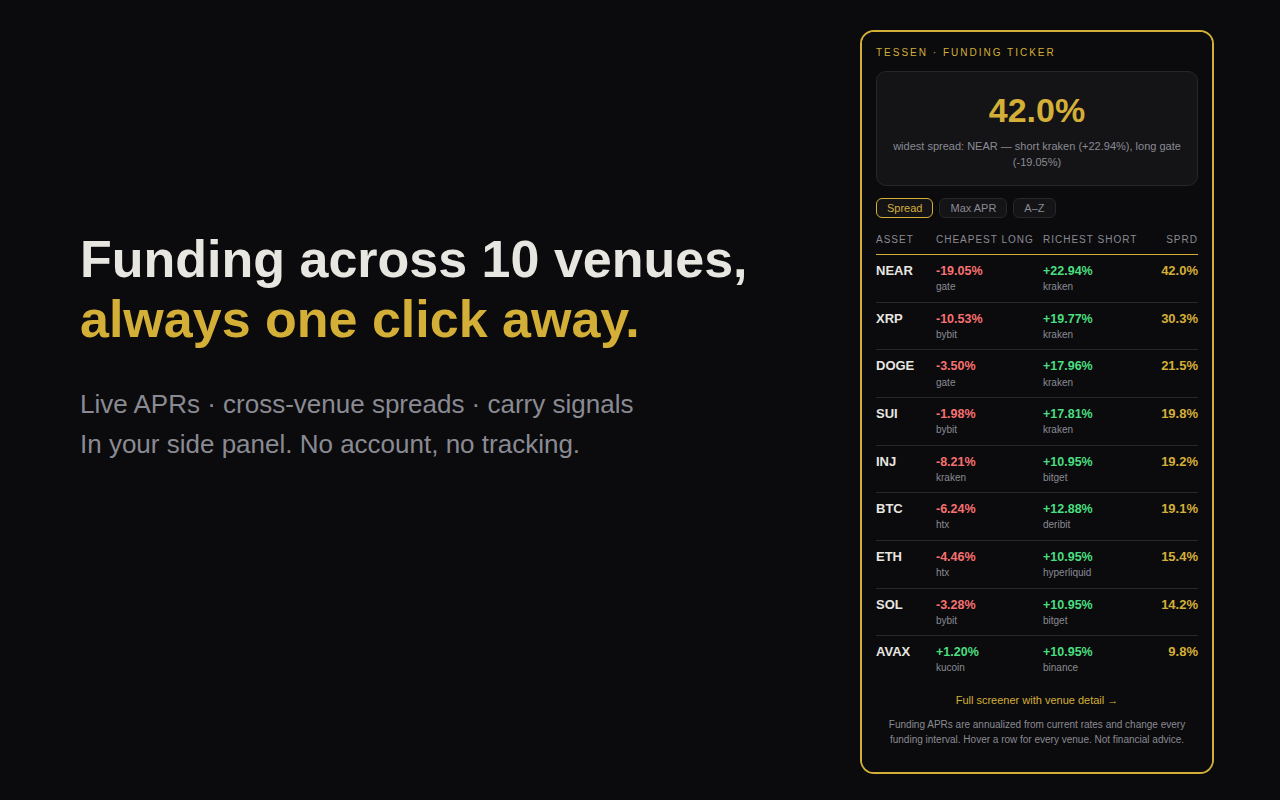
Meeting times across 16 hubs, one click away
A third side-panel extension: pick any two of 16 business hubs and see the live 24-hour working-day overlap — every hour marked "both at work," "workable," or "asleep," with the best call window called out. The toolbar badge always shows the current hour gap for your last-picked pair. Same engine as our market sessions tool, computed entirely locally — zero network requests, real time-zone rules, DST always correct.
Download Timezone Overlap v1.0 (.zip)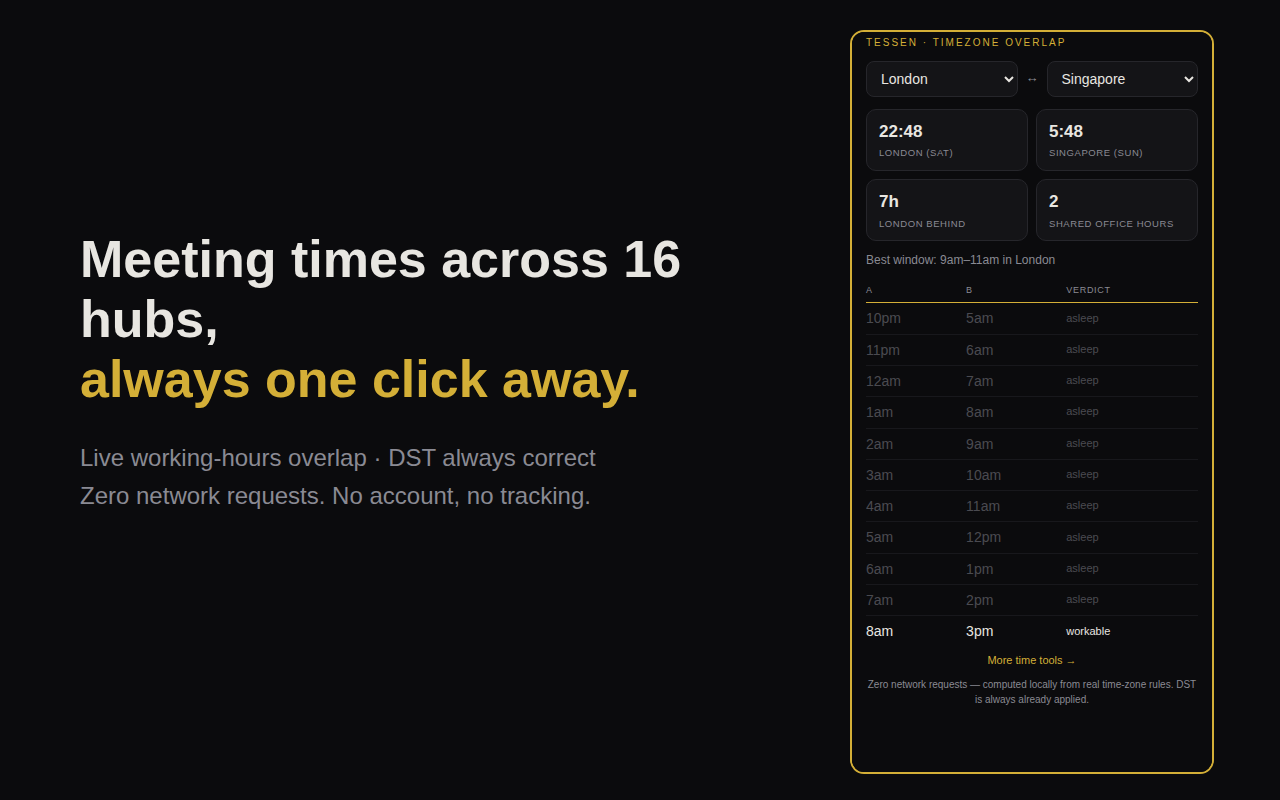
Private by construction, not by promise
The Market Clock and Timezone Overlap make zero network requests — every timer and overlap is computed locally from your system clock and real time-zone rules, the same math as our web tools. The Funding Ticker's only traffic is a read-only GET to api.tessen.ai every 5 minutes for the rates it displays — nothing about you is in the request. No account, no analytics, no tracking on any of them. You can verify this yourself: the unzipped source of each is a few hundred lines of plain JavaScript.
Install in 30 seconds
- Download the extension and unzip it.
- Open chrome://extensions and switch on Developer mode (top right).
- Click Load unpacked and select the unzipped folder.
- Pin the icon (puzzle piece → pin), then click it — the clock opens as your side panel.
Same steps for every edition — Market Clock, New Tab, Funding Ticker and Timezone Overlap; install any or all, they don't conflict. Works in Chrome 114+ and Chromium browsers with side-panel support (Edge, Brave). The Web Store listings will replace steps 2–3 with one click once approved.
The clock tells you when the candle closes. Whether the strategy trading it has an edge is a different question — the one we built the grader for.
Grade your strategy — free